Article 11
Interactive vs Animated vs Audio-Reactive Wallpaper
“Live wallpaper” is an umbrella label. To know what a wallpaper will actually do, ask what causes its next frame: its own timeline, a current input or the sound playing now.
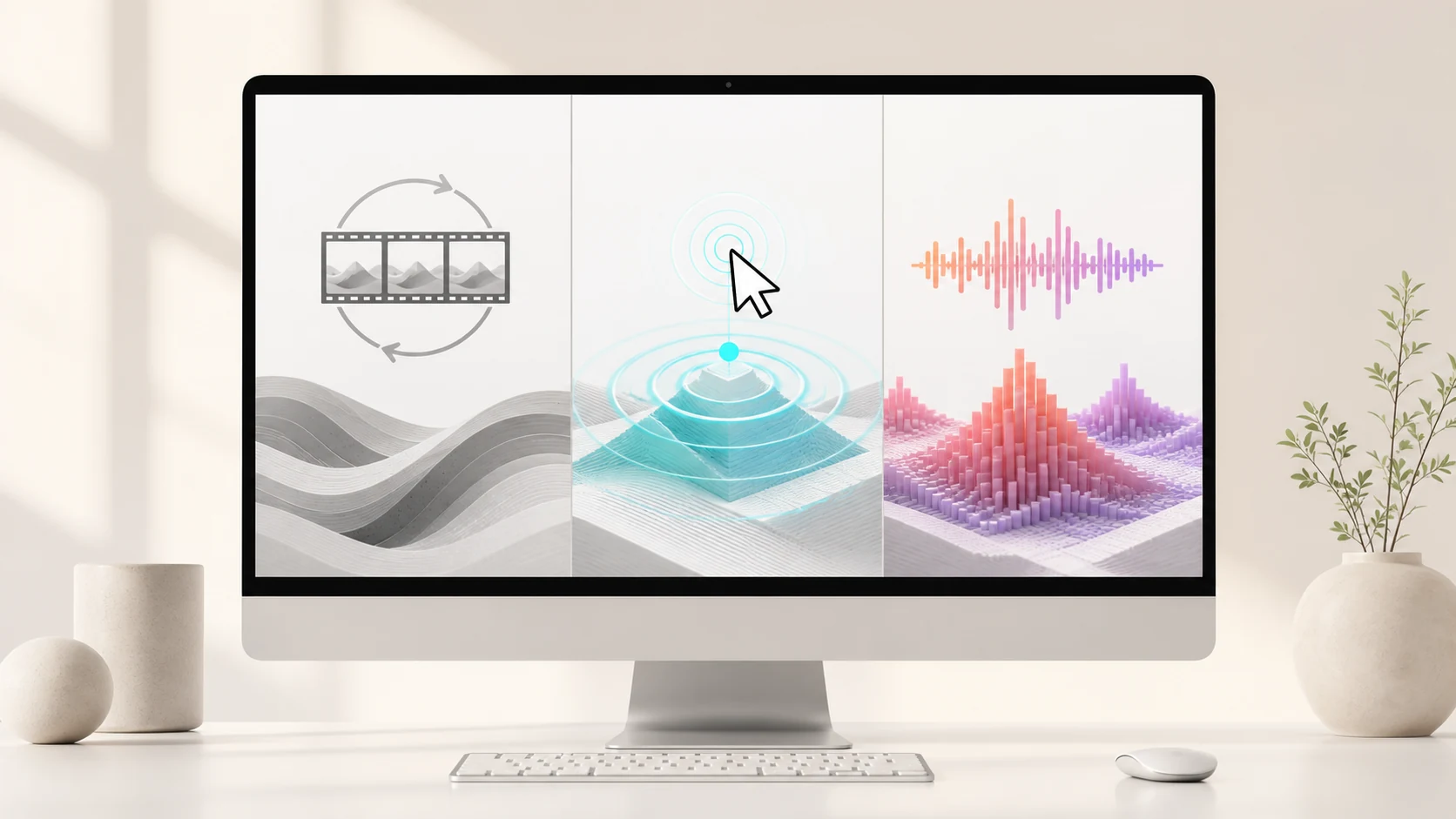
Short answer
Animated wallpaper moves on its own. Interactive wallpaper changes in response to a current input such as the pointer, time or system state. Audio-reactive wallpaper is a specific kind of interactive wallpaper whose motion is driven by live sound. One wallpaper can belong to more than one category.
The shortest useful definition
Movement alone does not prove interaction. A ten-second movie can look alive, but its eleventh second is already stored. A procedural animation can avoid an obvious loop, but it still may not respond to the user or the Mac. Interaction begins when current input changes the result.
Audio reaction is narrower. The wallpaper must receive a sound signal, measure it and use those measurements in the scene. A random pulse that happens near a beat is still animation; the connection has to come from the audio path.
| Type | What drives change | Needs a live input? | Typical behavior |
|---|---|---|---|
| Animated | A timeline, video or autonomous simulation | No | Moves even when nothing else changes |
| Interactive | Pointer, keyboard, time, app or system state | Yes | Changes because something is happening now |
| Audio-reactive | Current audio measurements | Yes — sound | Timing or shape follows the signal |
Animated wallpaper: motion without a required input
The simplest animated wallpaper is a video loop. Its frames were created before playback, encoded into a file and decoded in order. The result is predictable: the same moment returns every time the loop reaches it.
Not every animated wallpaper is a video. A shader or simulation can generate motion in real time from elapsed time and internal state. That motion may never repeat exactly, yet it is still autonomous if the outside world does not influence it.
Animated wallpaper is useful when art direction matters more than response. It can deliver a carefully composed camera move, a gentle idle scene or a known visual rhythm without asking for audio or input permissions.
Interactive wallpaper: the scene listens for something
An interactive wallpaper changes because of a current input. The input could be pointer position, a click, keyboard activity, time of day, battery state, window visibility or another defined system event. The visual logic decides how strongly that input matters.
Interaction does not guarantee constant movement. A scene may become still until the pointer moves, or change only when the hour changes. It also does not guarantee audio response. Sound is one input category among many.
Good interactive design remains legible as a background. A scene that captures every click, fights foreground apps or changes too aggressively can be technically interactive and still be a poor wallpaper.
Audio-reactive wallpaper: interaction measured from sound
An audio-reactive wallpaper analyzes recent sound and turns derived values into scene controls. Overall energy can influence broad intensity. Frequency bands can separate low, middle and high energy. Transient detection can find sudden events that deserve a faster response.
The scene is not required to copy an equalizer. One wallpaper may use bass to move a camera, another may displace a surface and another may release particles. The common requirement is causal: changing the audio changes the visual state.
A gentle idle motion can continue when the music stops. That does not make the scene fake. The relevant test is whether live sound changes the motion beyond that baseline.
The categories can overlap
A wallpaper can be animated and interactive at the same time. It may have a continuous background simulation, respond to the pointer and add another layer of motion when audio arrives. The labels describe inputs, not exclusive product shelves.
Audio-reactive wallpaper is therefore a subset of interactive wallpaper, but it is worth naming separately because sound requires a dedicated capture, analysis and smoothing pipeline. It also creates distinct privacy, latency and recovery questions.
“Live wallpaper” says only that the background is not a single still image. It does not tell you whether the frames come from video, real-time rendering or live input. Product pages should state that mechanism directly.
A practical test for any wallpaper
- Remove the input
Stop the music and stop moving the pointer. Observe whether the scene continues on its own.
- Repeat the same moment
Restart the wallpaper or video. Identical timing suggests a stored loop; variation suggests a simulation.
- Change one input
Play two different tracks or move the pointer while keeping the scene and settings fixed.
- Look for causality
The visual change should follow the input reliably, not merely happen at the same time by chance.
- Check the product boundary
Confirm what data the wallpaper accesses, whether processing is local and what happens when permission is refused.
Performance depends on the implementation, not the label
A video wallpaper spends work on media decoding and display composition. A real-time interactive scene spends work on simulation and rendering. An audio-reactive scene adds short, regular analysis work. Resolution, frame rate, codec, scene complexity, display count and visibility can outweigh the category name.
The useful comparison is the exact setup on the same Mac. A 4K high-bitrate loop may cost more than a simple shader; a complex multi-pass scene may cost more than a modest video. “Animated” is not automatically light, and “audio-reactive” is not automatically heavy.
Wallpaper software should reduce optional work when covered, offer a calmer mode when appropriate and recover cleanly after sleep or output changes. Those behaviors matter more in daily use than a broad technology badge.
Where VoxelWall fits
VoxelWall’s normal scenes are rendered live with Metal and use locally analyzed system audio as one of their inputs. They also keep scene state and gentle baseline motion, so they are not static images waiting for a beat.
Energy Saver is a different mode: it uses a prepared silent loop for predictable, lower-complexity motion without live audio response. That does not turn the whole product into a video wallpaper; it gives the user a separate tradeoff when audio reaction is not the priority.
The distinction should remain visible in the interface. A user choosing a reactive mode should get live sound response. A user choosing Energy Saver should understand that the motion is prepared and will not follow the current track.
Choose by cause, not appearance: timeline-driven, input-driven or sound-driven.
Which one should you choose?
- Choose animated wallpaper for predictable art direction and no live input requirement.
- Choose interactive wallpaper when pointer, time or system state should change the scene.
- Choose audio-reactive wallpaper when music timing and intensity should shape the motion.
- Choose a hybrid when you want calm autonomous movement plus a controlled live response.
- Choose a static image when battery life and zero background motion matter most.
Frequently asked questions
Is every live wallpaper interactive?
No. “Live” can describe any moving background, including a stored video loop that never responds to current input.
Is every audio visualizer a wallpaper?
No. A visualizer may appear in a player window, a browser page, a stage display or a desktop layer. Wallpaper describes where it is presented.
Can an animated wallpaper be non-repeating?
Yes. A procedural simulation can evolve continuously without an obvious loop. It is still autonomous animation if current input does not affect it.
Can one wallpaper be all three?
Yes. A scene can animate on its own, react to pointer or system state, and also map live audio into additional motion.
Does Energy Saver react to music?
No. VoxelWall’s Energy Saver uses a prepared silent loop. Use a normal reactive mode when the current audio should influence the scene.