Article 08
Which Macs Handle Music-Reactive Live Wallpapers?
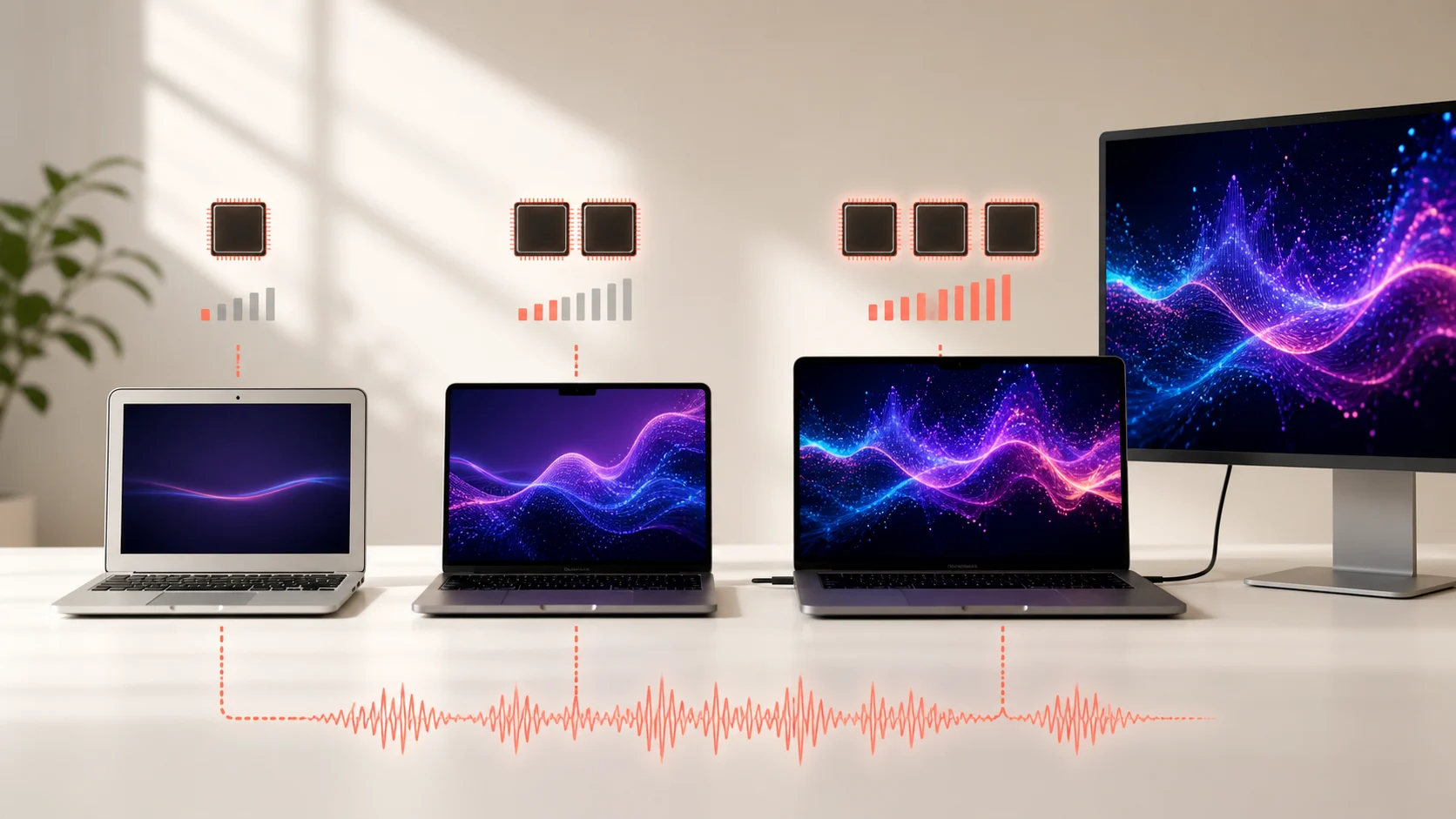
The model name alone does not predict the experience. The real workload is scene complexity multiplied by the pixels and frames you ask the Mac to produce.
Short answer
VoxelWall supports Macs running macOS 14.4 or later. Performance depends most on GPU capability, display resolution and count, refresh target, scene complexity and whether the Mac is on battery.
Think in workload, not model badges
A MacBook Air driving its built-in display and a MacBook Pro driving two high-resolution external displays are not doing the same job. Even if the second machine has a faster chip, it may be asked to render far more pixels at a higher refresh rate.
A useful mental model is: scene work × pixel count × frame rate × visible displays. Audio analysis is part of the pipeline, but the image workload usually changes more dramatically as displays and scene effects scale.
The variables that matter most
| Variable | Why it changes the load | First adjustment |
|---|---|---|
| Display resolution | More pixels must be shaded each frame | Test on the built-in display |
| Display count | The scene may be rendered for more surfaces | Enable one display first |
| Frame rate | More frames means more repeated work | Use a moderate target |
| Scene complexity | Geometry and effects vary by scene | Choose a calmer scene |
| Power state | Battery modes may limit sustained work | Compare plugged-in and battery |
A safe five-minute compatibility check
- Start small
Use one display, a moderate scene and normal screen brightness.
- Play a demanding track
Choose music with clear low and high-frequency changes so both analysis and rendering are active.
- Watch the interface
Move windows, switch spaces and enter full screen. The Mac should remain responsive.
- Check Energy Impact
Use Activity Monitor as a relative signal, not a universal score.
- Add complexity one step at a time
Increase scene intensity or add an external display, then repeat the same check.
Apple silicon, Intel and honest expectations
Apple silicon combines a modern GPU and unified memory architecture that suits Metal workloads. Intel-era Macs vary widely by year, cooling and graphics hardware, so the model family is a weaker shortcut. Support for an operating-system version means the app can run; it does not mean every scene and display arrangement has identical headroom.
The right product behavior is graceful scaling: pause when invisible, avoid continuous hardware polling, and let the user reduce visual work without breaking activation or playback. A one-time compatibility snapshot can help support broad device groups, but it should never be used to invent guarantees for an individual Mac.
The bottleneck can move from one Mac to another
On one machine, a complex shader may be the limiting step. On another, a high-resolution external display or WindowServer composition may matter more. An audio analyzer can become visible if it runs inefficiently, but changing the number of pixels or frames usually creates a larger change in graphics work.
This is why hardware model lists age badly. A Mac that is comfortable with one 60 Hz built-in panel may struggle with the same scene spread across additional high-resolution displays. A newer Mac can also be configured to do far more work than the minimum supported setup.
Compatibility should therefore be described as a starting configuration and a scaling path. The app can support the operating system while still offering lower frame targets or calmer scenes for hardware with less headroom.
Apple silicon and Intel Macs
Apple silicon provides a GPU architecture designed around Metal and unified memory, which is a strong base for a native visual engine. The family still spans different generations, GPU sizes, cooling systems and display limits. “M-series” is useful context, not a complete benchmark.
Intel Macs cover integrated graphics, discrete AMD graphics, many thermal designs and a longer range of system ages. Two Intel MacBook Pros can behave very differently. Start with a moderate scene on the built-in display and observe interaction, frame consistency and Energy Impact before adding complexity.
The minimum useful experience is more important than the maximum screenshot. A scene that remains smooth while opening windows and switching spaces is a better default than one that uses all available effects on an empty desktop.
Display resolution, scaling and refresh rate
A Retina display may render at an internal resolution different from the logical size shown in interface settings. External 4K and 5K displays multiply pixel work quickly, especially when several surfaces render independent scenes. The renderer should use the actual drawing size when budgeting work.
Refresh rate sets an upper rhythm for visible frames. Drawing 120 frames per second can require roughly twice as many frame submissions as 60, even when the scene content is unchanged. A wallpaper often does not need the same target as a foreground game. A moderate, stable rate is usually more useful than an unstable maximum.
Test scaling and refresh independently. Reduce the frame target before reducing visual resolution so you can see which change improves the experience. Then choose the combination that preserves the scene’s character on the display you actually use.
How VoxelWall should scale without blocking the user
Hardware information is support context, not a gate. VoxelWall’s one-time post-activation snapshot should never delay license activation, scene loading or playback. If the network is unavailable, the wallpaper should continue and the optional telemetry can be abandoned or retried without occupying the render loop.
Runtime adaptation should be based on visible conditions: whether the scene is covered, whether the Mac is on battery, how many displays are active and whether frames are completing on time. It should not require continuous upload of CPU or GPU readings.
This keeps the resource model simple. The scene loop performs the work the user can see. A single compatibility snapshot informs broad product decisions. There is no permanent hardware polling process pretending to be a feature requirement.
A useful support report
- Mac model identifier and general model name
- Chip family and CPU architecture
- GPU family where macOS exposes it
- macOS version and VoxelWall version
- Active display count, resolution and refresh target
- Scene name and whether the issue occurs on battery
- A short description of the visible problem rather than a universal performance label
Frequently asked questions
Will VoxelWall work on every Mac?
VoxelWall requires macOS 14.4 or later. Within that supported range, scene and display headroom still varies, so begin with one display and a moderate scene.
Is a MacBook Air enough?
It can be, depending on the chip, scene, resolution and display count. The correct test is the actual configuration, not the Air or Pro name alone.
Does the app continuously monitor CPU and GPU?
The intended device-information design is a one-time compatibility snapshot after activation, not real-time hardware monitoring. Rendering should not depend on telemetry.
What should I reduce first if motion stutters?
Start with the frame target or a calmer scene, then test one display. Change one variable at a time so the cause remains visible.