Article 10
YouTube Visualizer for Mac: Turn Browser Audio into Motion
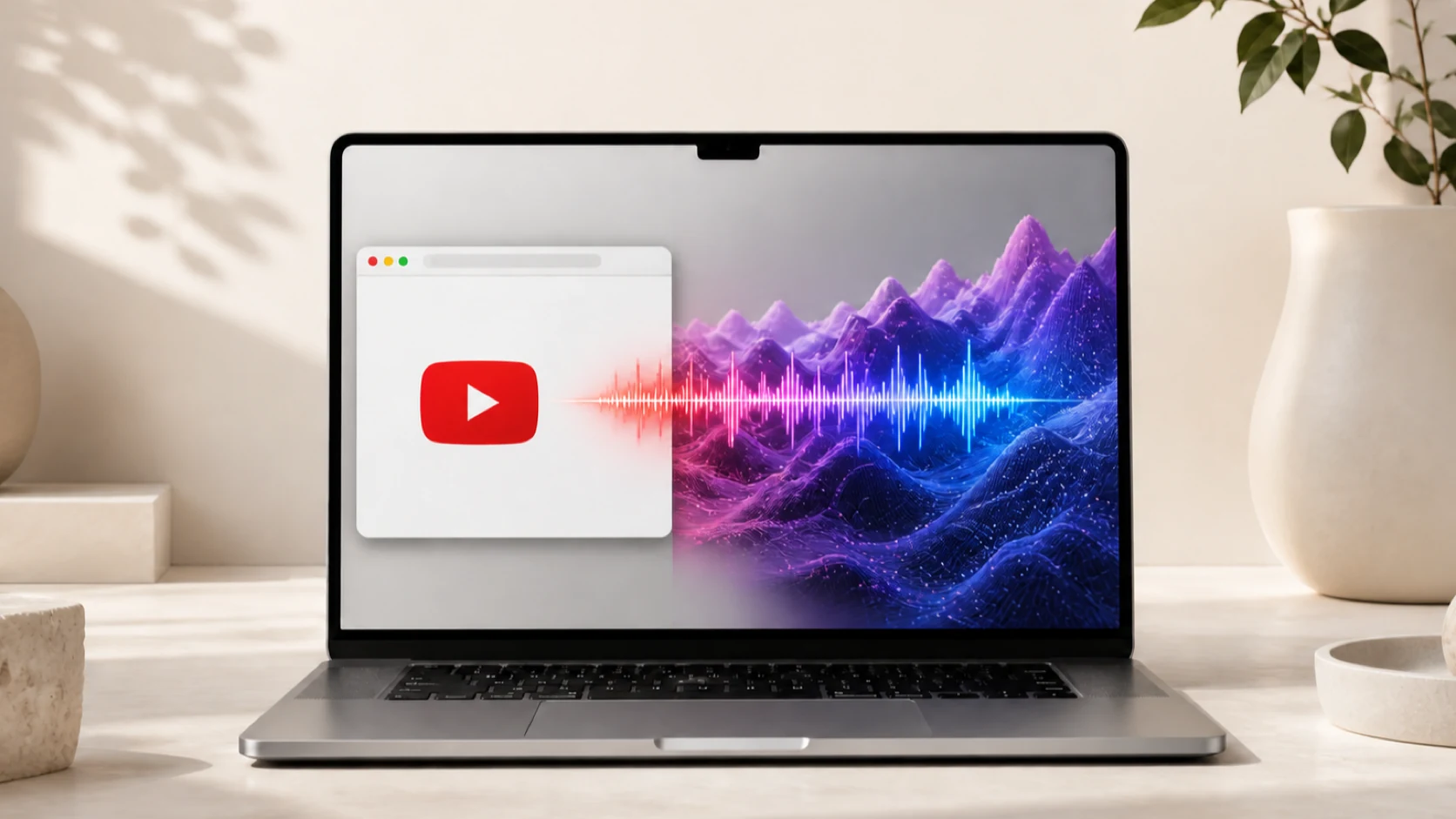
The video can stay in Safari, Chrome or Firefox. A desktop visualizer does not need to enter the page; it can react to the audio after the browser sends it to macOS.
Short answer
Use a Mac system-audio visualizer. Play YouTube in a supported browser, apply an audio-reactive scene and let the visualizer analyze the outgoing sound locally. No YouTube plug-in, tab injection or account access is required.
A YouTube visualizer can live in three different places
One visualizer can be drawn inside the video itself. Another can be a browser extension placed over the YouTube page. A third can be a separate desktop scene driven by the sound produced by the browser. Only the third approach turns the Mac wallpaper into the visual surface.
That distinction matters for setup and privacy. A page overlay may need access to the website or current tab. A system-audio wallpaper can remain outside the browser and receive only the outgoing sound path it needs from macOS.
| Approach | Where it appears | Main input | Changes the browser page? |
|---|---|---|---|
| Visualizer inside a video | The YouTube player | Pre-rendered video frames | No |
| Browser extension overlay | On or beside the web page | Tab or page data | Usually |
| System-audio wallpaper | The Mac desktop | Outgoing browser audio | No |
Why browser audio can drive a Mac wallpaper
YouTube plays through a web browser, and the browser sends its audio to macOS. Once the sound reaches the system route, the wallpaper does not need to know which website, tab or video created it. It only needs a usable audio signal and permission to process that signal.
The analyzer measures current sound features rather than reading the YouTube page. A kick can increase low-frequency energy, speech can move the midrange and a sharp edit can create a transient. The scene maps those measurements into its own visual language.
This is also why the same setup can react to YouTube Music. The browser and service may change, but the final Mac audio route remains the useful boundary for the visualizer.
Set it up without a browser extension
- Open YouTube
Use a current version of Safari, Chrome or Firefox and start a video with audible sound.
- Start VoxelWall
Choose a scene with a clear live response and apply it to the desktop.
- Allow system audio access
Approve the macOS permission requested by the visualizer, not a permission to inspect YouTube.
- Keep the audio on the Mac
Confirm the selected speakers or headphones are producing the sound you expect.
- Compare different videos
Speech, ambient music and percussion should create different motion in the same scene.
Fullscreen can hide the wallpaper without stopping the audio
When a YouTube video enters fullscreen, it covers the desktop. The wallpaper may still be running underneath, but there is no benefit in drawing expensive invisible frames. A well-behaved wallpaper engine can reduce or pause visual work while covered and resume when the desktop becomes visible.
That is different from losing the audio route. If the wallpaper becomes visible again and no longer responds, check the system-audio connection. If it resumes normally, the temporary reduction was simply visibility-aware behavior.
For a visible music setup, keep the browser in a window, move it to another display or use YouTube Music as the player while the wallpaper remains exposed on the display you want to watch.
What the visualizer does not read
A system-audio visualizer does not need your YouTube password, watch history, subscriptions, comments or browser cookies. It also does not need to inject code into the page. VoxelWall treats the browser as one possible source of sound, not as a data source.
That boundary means it cannot automatically show the video title, channel name or thumbnail. Those are page and account details. The wallpaper’s job is narrower: translate current sound into live motion while the browser continues to own playback.
Why a YouTube video may look less reactive than expected
Not every video has strong musical structure. A spoken tutorial may contain mostly midrange energy and long stable passages. An ambient mix may change slowly. The wallpaper can be working correctly without producing dramatic beat-driven motion.
Use a diagnostic video with obvious percussion, pauses and frequency changes. Keep the same scene and response level. If the motion follows those changes, the route is working; the earlier content simply provided a gentler signal.
The browser tab, YouTube player and Mac each have their own volume or mute state. Check all three before changing the visualizer. No software can react to a signal that never reaches the selected output route.
If YouTube is playing but nothing reacts
- Make sure the YouTube player and browser tab are not muted.
- Confirm the Mac output device is the one you are actually hearing.
- Check the visualizer’s macOS system-audio permission.
- Use an audio-reactive mode rather than an Energy Saver video loop.
- Reconnect after changing Bluetooth, wired or display audio outputs.
- Test with a second browser only after checking the shared Mac audio route.
Frequently asked questions
Does this work with YouTube Music?
Yes. YouTube Music can play in a Mac browser, and a system-audio visualizer can respond to the outgoing sound without a YouTube Music-specific integration.
Do I need YouTube Premium?
No for the visual response itself. The wallpaper reacts to audible output. YouTube controls ads, background playback and other account features separately.
Does the visualizer know which video I am watching?
No. A system-audio route can respond without reading the page, video title, channel or watch history.
Will it react to ads or notifications?
If other audible content reaches the captured system route, it can influence the visual because the analyzer receives sound rather than semantic categories.
Why can I hear the video but see little motion?
The content may be quiet or dominated by speech, or the scene may use a subtle response. Test a rhythmic video and a visibly reactive scene before assuming the route has failed.