Article 01
Spotify Visualizer for Mac: Three Different Things People Mean
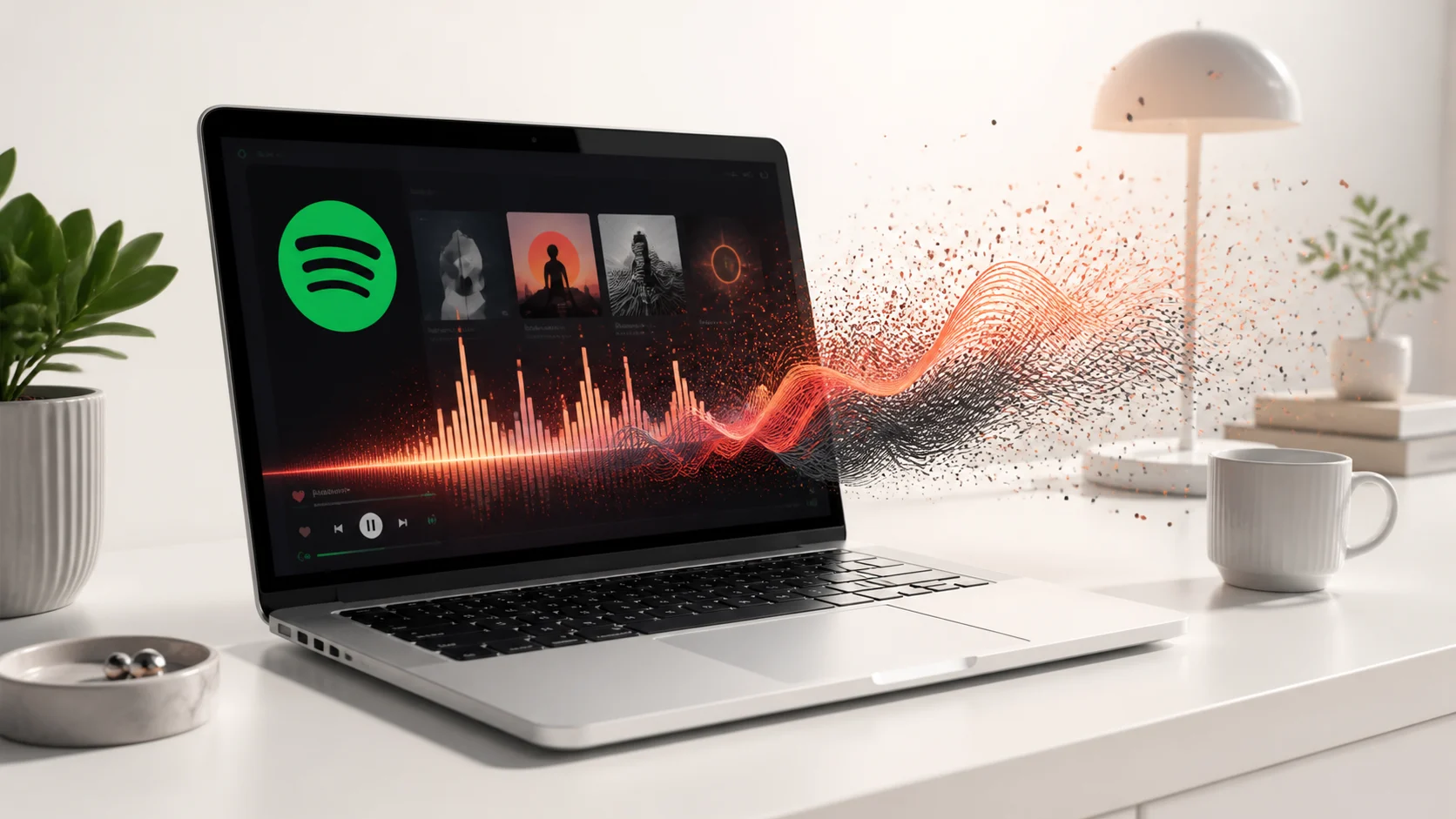
“Spotify visualizer” can describe three completely different products. The useful question is not which app has the loudest feature list, but what you want the picture to respond to.
Short answer
If you want visuals that move with whatever Spotify is playing, choose a system-audio visualizer. It reacts to the sound leaving your Mac, so it does not need your Spotify login or track history.
First decide what “visualizer” means to you
Search results mix together three ideas: artwork that changes when the song changes, a pre-rendered animation that plays beside the music, and geometry generated from the sound itself. They can look similar in a short clip, but they behave very differently after an hour on your desktop.
| Type | What changes it | Needs track identity? | Does every frame react? |
|---|---|---|---|
| Album-art or color sync | Song metadata or cover art | Usually | No |
| Video visualizer | A looping video file | No | No |
| Audio-reactive renderer | The live audio signal | No | Yes |
The cleanest route for Spotify is system audio
Spotify already sends audio to macOS. A system-audio visualizer reads a local representation of that output, reduces it to useful values such as loudness and frequency energy, and uses those values to drive a renderer. The visualizer does not need to know the song title, artist or playlist.
This also removes a fragile dependency. If the visualization is tied to a music-service API, it can stop working when authentication expires or when you switch to a browser, a radio app or a local file. A system-audio route keeps the visual behavior consistent.
What VoxelWall does — and does not do
VoxelWall listens to the audio already playing on the Mac, analyzes it locally and renders an original scene with Metal. It does not ask for a Spotify account and it does not use your listening history. The same scene can react to Spotify, Apple Music, YouTube, a browser tab or a local audio file.
It is also not a player replacement. Spotify remains responsible for playback. VoxelWall is the visual layer on the desktop, Lock Screen or Energy Saver.
- Choose album-art sync when recognition and cover design matter most.
- Choose a video loop when you want a predictable animation with no musical relationship.
- Choose an audio-reactive engine when timing and motion should follow the sound itself.
A 60-second test before you commit
Play two very different tracks: one sparse and quiet, one dense and percussive. Keep the same scene. If the motion changes in timing and intensity, the visual is responding to audio. If only the cover, palette or title changes, it is responding to metadata. If nothing changes, it is a loop.
That test is more useful than a feature badge because it checks the behavior you will actually see every day.
What a system-audio visualizer can and cannot know
A system-audio visualizer receives sound, not meaning. It can measure that low-frequency energy increased, that a sharp transient arrived, or that the overall signal became quieter. It does not automatically know that the source is Spotify, that the track is a particular recording, or that the current section is a chorus. Those facts require metadata or recognition, which are separate systems.
That limitation is useful. The visual response keeps working when you move from Spotify to Apple Music, YouTube, a browser stream or a local file. It also means the visualizer does not need a list of your playlists to do its main job. The tradeoff is that it cannot display a song title or album cover unless another source provides that information.
When an app claims Spotify support, ask which layer it supports. Account integration can read track information. System-audio analysis can follow the sound. A video beside Spotify may do neither. The label alone does not identify the behavior.
Response quality is mostly about timing
A technically reactive visual can still feel disconnected. The analyzer must use a window long enough to distinguish frequencies but short enough to feel immediate. The scene then needs different response speeds for different properties. A bass-driven displacement may need a slower release, while a bright flash should disappear quickly after a transient.
Too much smoothing makes motion arrive late and continue after the sound has stopped. Too little smoothing turns every small change into visual noise. Good scene tuning lives between those extremes. It should preserve the character of the scene while making two different tracks produce visibly different motion.
You can test timing without specialist tools. Play a track with isolated kick drums or hand claps, watch one obvious part of the scene, and look for a consistent relationship between the sound and the movement. Then pause playback. A live visual should settle according to its scene rules rather than continue through a pre-recorded sequence.
A practical buying checklist
- Confirm whether the app reacts to any Mac audio or only to one music service.
- Check whether it requires a Spotify login and what data that login exposes.
- Test at least two contrasting tracks with the same scene.
- Mute or pause audio and confirm the scene changes its behavior.
- Check what happens when the output moves to headphones or an external display.
- Review whether audio is processed locally, stored, or sent to a server.
- Measure the actual scene on your Mac instead of relying on a universal performance claim.
Frequently asked questions
Does Spotify have a built-in full-screen visualizer for Mac?
Spotify for Mac provides playback and artwork, but it does not provide the kind of system-wide, music-reactive desktop engine described here. A separate visual layer is needed when you want the Mac wallpaper itself to respond.
Does a visualizer need Spotify Premium?
A system-audio visualizer responds to the sound produced by the Mac, so its core response does not depend on the Spotify account tier. Spotify still controls which playback features are available inside Spotify.
Will it also react to YouTube or Apple Music?
Yes, if the app uses the Mac system-audio path rather than a Spotify-only API. The visualizer receives the output signal and does not need to identify which player created it.
Can it show lyrics or album artwork?
Not from audio energy alone. Lyrics, titles and cover art require track metadata or recognition. Those features should be evaluated separately from live audio response.